Global Settings: overview and how to activate
- What is the Global Settings feature?
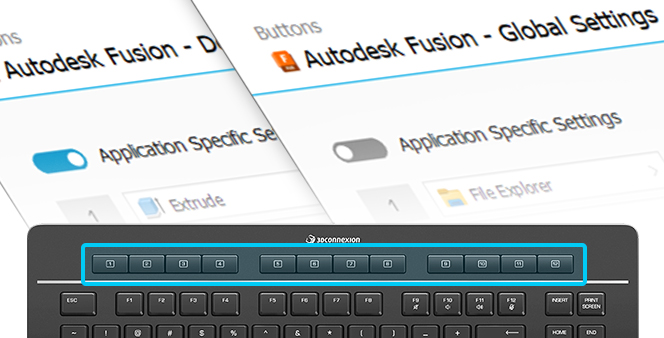
Global Settings is a new feature introduced with 3DxWare 10.9.0 for the Keyboard Pro. It allows you to use the same key mapping across any application. This feature is activated by default, and you can switch to Application Specific settings if needed, where the key mapping adapts to the active application.
- Switching between Global Settings and Application Specific settings
- Open the 3Dconnexion settings
- Select the Keyboard Pro device
- Navigate to the Buttons menu
- Use the toggle switch to change between the two settings:
- When Application Specific settings are active, the toggle switch will be highlighted in blue
- When Global Settings are active, the toggle switch will be grey, and you will see the Global Settings indication next to the name of the active application