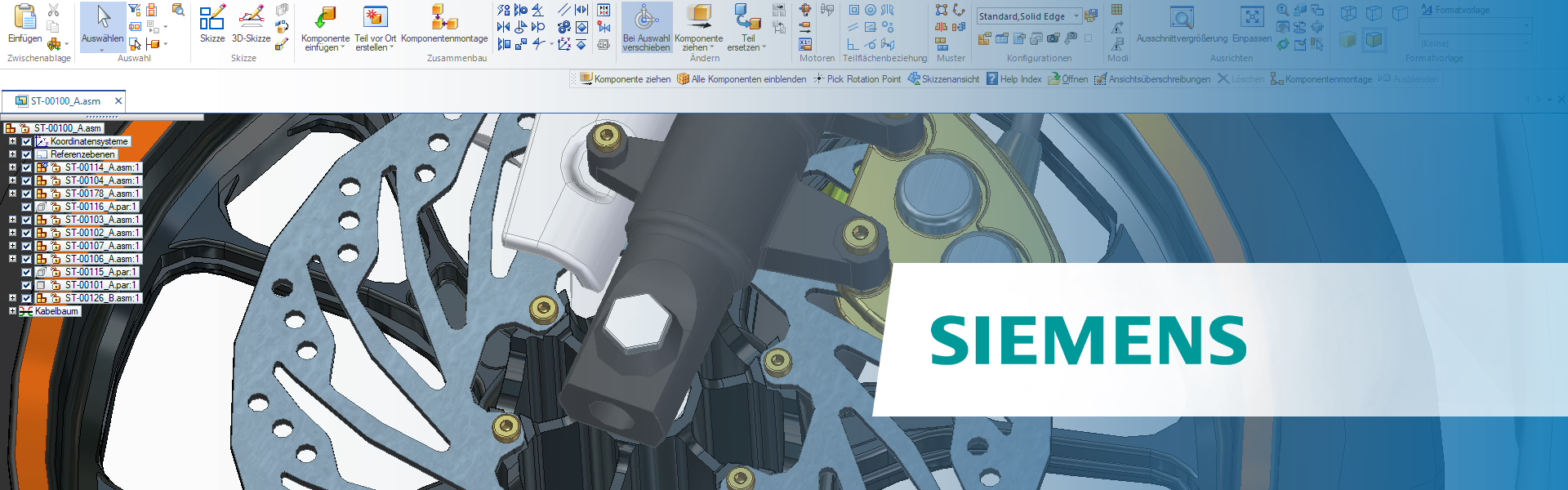
Solid Edge and 3Dconnexion

Whether handling complex assemblies or fine-tuning sketches, enhance your Solid Edge experience with 3Dconnexion devices, designed for intuitive navigation, precise modeling, and efficient design iteration. 

This solution includes the following applications:
Solid Edge
Solid Edge X

SpaceMouse

Seamless model interaction

  • Navigate smoothly to inspect parts, adjust view angles, and analyze designs without losing focus
  • Minimize repetitive hand movements, improving comfort and efficiency during long design sessions
  • Quickly access your favourite commands, customizable and environment-specific

Discover the SpaceMouse product line

Play video

CadMouse

Precision modeling

  • Navigate effortlessly and reduce hand strain with the Middle Mouse Button
  • Instantly zoom into a component in your assembly with the QuickZoom buttons
  • Easily access Solid Edge tools like Extrude, Fillet, and Measure with the customizable Radial Menu

Discover the CadMouse product line

Play video

I currently use the 3Dconnexion Keyboard Pro with Numpad, the CadMouse Pro Wireless, and the SpaceMouse Enterprise. Every day, I’m impressed by how these devices support my daily work in Solid Edge. Zooming, rotating, and panning become effortless. The smart customization options, with intelligently assigned buttons, also allow me to work far more efficiently. The build quality is excellent and my wrists truly appreciate it.

The SpaceMouse Enterprise enhances my workflow processes while modelling in CAD. I can navigate and work with tools and functions simultaneously to great effect. Zoom and rotation actions soon become second nature and you really do feel like you are able to hold your model in front of you whilst creating and editing. Overall, I find the 3Dconnexion products an excellent addition to Siemens mechanical design software; NX and Solid Edge, which greatly enhance my productivity and speed up my working processes.

Thanks to using the SpaceMouse and CadMouse, I achieve maximum comfort when working with 3D CAD solutions. Exemplary precision, smooth operation, high ergonomics, as well as the aesthetics and durability of these devices set the highest standard in the industry. 3Dconnexion equipment has become an integral part of my design tasks.

Which features are available?

Supported Platforms:
Windows
Supported Applications:
Solid Edge, Solid Edge X

SpaceMouse

Solid Edge Navigation

  • Object Mode
  • Auto Rotation Center
  • Move Selected Objects
  • Sketch Lock
  • Rotation Lock
Learn more

Solid Edge Views

  • Fit View
  • Standard Views
  • Custom Views
Learn more

Solid Edge Tools

  • Environment-specific commands
  • Command icons
  • Radial Menus
  • Macros
Learn more

CadMouse

Solid Edge Navigation

  • QuickZoom
  • SmoothZoom
Learn more

Solid Edge Views

  • Fit View
  • Standard Views
  • Custom Views
Learn more

Solid Edge Tools

  • Environment-specific commands
  • Command icons
  • Radial Menus
  • Macros
Learn more

Keyboard and Numpad

Solid Edge Tools

  • Environment-specific commands
  • Command icons
  • Radial Menus
  • Macros
Learn more