MicroStation and 3Dconnexion

Smooth precision at every scale

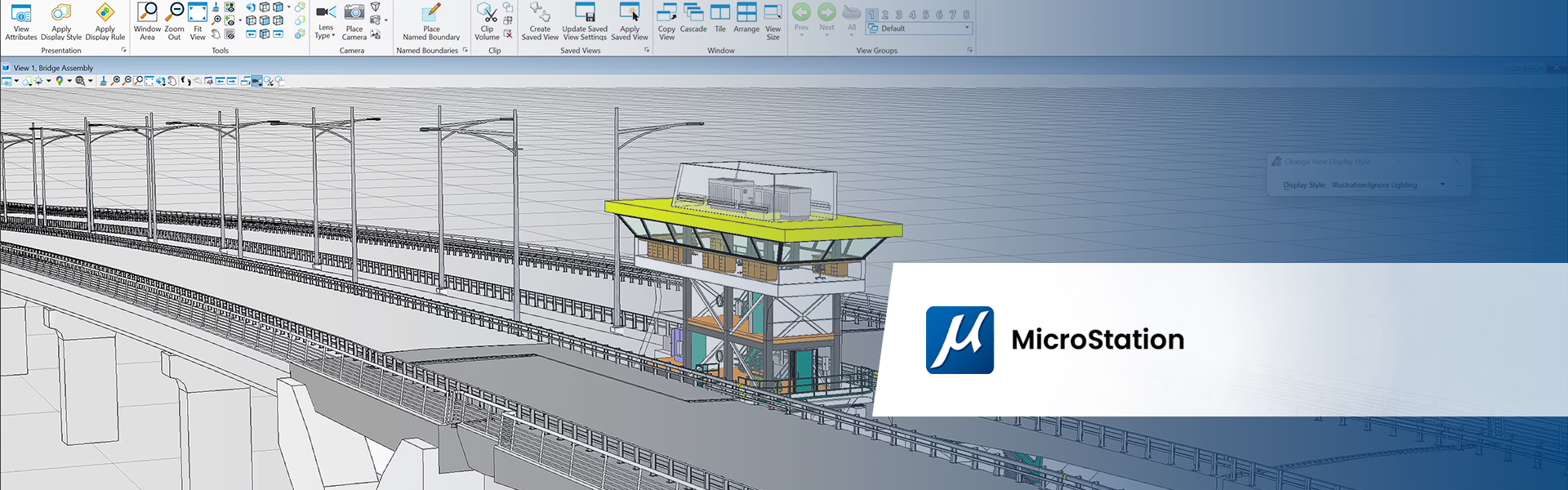
Design infrastructure projects with greater speed, precision, and control in MicroStation using 3Dconnexion devices. Navigate complex designs effortlessly, reduce repetitive strain, and stay fully focused from the smallest details to the largest datasets.

SpaceMouse

Precise, fluid navigation

Design and navigate in MicroStation with smooth, intuitive control that keeps your focus on the model – from the broadest overview to the finest design details. Transition from a bird’s-eye regional map to a millimeter-precise structural detail in one continuous motion.

  • Pan, zoom and rotate naturally, enabling faster design decisions.
  • Balance your workflow between both hands, reducing repetitive strain from intense mouse actions.
  • Access your most-used MicroStation tools, views, and workflows directly from the SpaceMouse for faster execution and a streamlined design experience.

Discover the SpaceMouse product line

Play video

CadMouse

Effortless view manipulation

The dedicated middle mouse button of the CadMouse only requires a light click, removing the deep forearm tension required to press a standard scroll wheel. This makes intense navigation, characteristic for MicroStation projects, feel weightless, and gives you total control of your infrastructure model.

  • Pan, zoom and rotate effortlessly with the middle mouse button, making your workflow more efficient and comfortable.
  • Quickly activate your most used MicroStation tools from the radial menu through a simple hand gesture.

Discover the CadMouse product line

Which features are available?

3Dconnexion support since:
2023
Supported platforms:
Windows

SpaceMouse

MicroStation Navigation

  • Object Mode
  • Fly Mode
  • Drone Mode
  • 2D Mode
  • Auto Rotation Center
  • Rotation Lock
Learn more

MicroStation Views

  • Fit View
  • Standard Views
Learn more

MicroStation Tools

  • Radial Menus
  • Macros
Learn more

CadMouse

MicroStation Views

  • Fit View
  • Standard Views
Learn more

MicroStation Tools

  • Radial Menus
  • Macros
Learn more

Keyboard and Numpad

MicroStation Tools

  • Radial Menus
  • Macros
Learn more