DentalCAD and 3Dconnexion

Precision and ease in dental restoration design

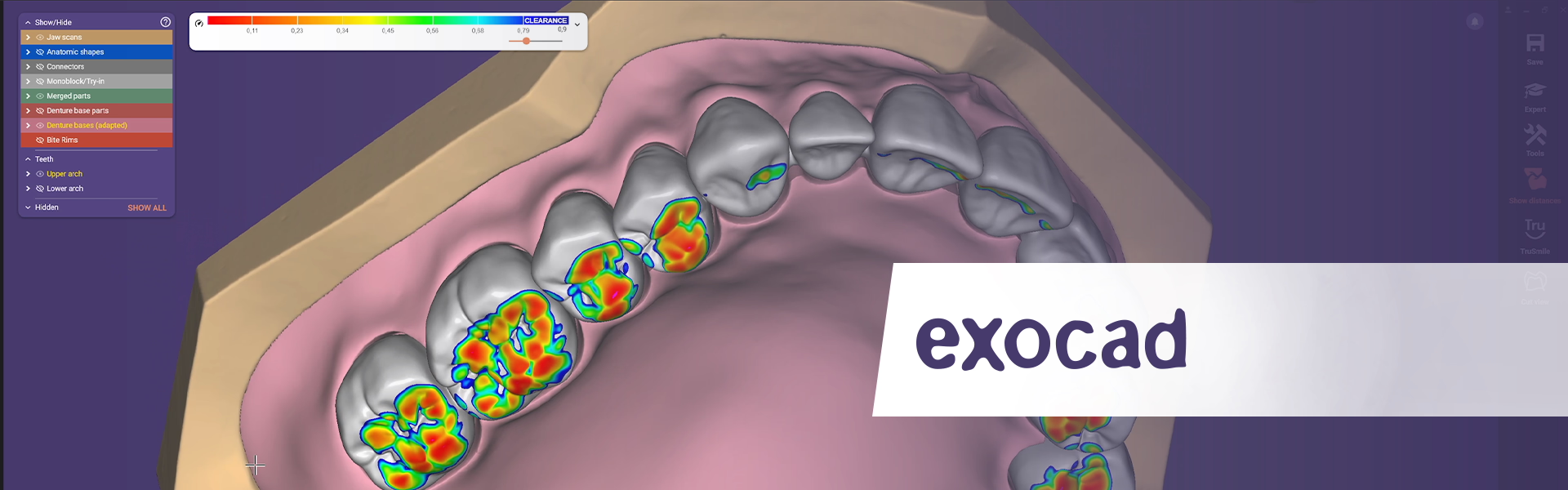
Maneuver and develop your dental appliances intuitively, as if they were in your own hand. Use the 3Dconnexion devices in Exocad DentalCAD to ensure the perfect smile for your patients.

SpaceMouse

Precise navigation

Prosthetic restoration design has never been so easy. SpaceMouse gives you full control – from modeling to final design inspection.

  • Freedom of movement in 3D space: Seamlessly rotate, pan, zoom models of teeth, jaws and prosthetic structures – without interrupting your work with tools.
  • Accurate design: Focus on the anatomical details and aesthetics of your work with precise and responsive navigation.
  • Faster workflow: Access commands directly with the programmable buttons, create radial menus and macros for designing perfect restorations quicker.


Discover the SpaceMouse product line

Play video

Discover more

Play video
Video

Comparativa diseño con mouse 3D [Designing with/without SpaceMouse]

MAAG Digital Design
Play video
Video

Como utilizar el mouse 3D en exocad [Spanish]

MAAG Digital Design
Play video
Video

Cómo utilizar SpaceMouse Enterprise kit 2. Exocad - 3shape - Chitubox [Spanish]

Fernanda Arellano
Play video
Video

Como personalizar comandos rápidos con SpaceMouse Enterprise [Spanish]

Fernanda Arellano
Play video
Video

Tutorial Mouse 3D [Spanish]

MAAG Digital Design

Using the 3Dconnexion SpaceMouse Pro and SpaceMouse Wireless (for when I’m working on the fly) has improved my speed and efficiency when designing digital dentures and, more significantly, more complex cases in Exocad. The precision and natural navigation seamlessly transform traditional/conventional workflows for dentures and other cases into digital processes. It feels like you are holding your model in one hand and carving or adding with the other, all while promoting a cleaner workspace. It’s truly a game-changer for digital dentistry design.

Using SpaceMouse in Exocad has significantly increased my operational speed and efficiency, particularly in complex dental CAD workflows. The two-handed workflow accelerates every stage of the design process, allowing seamless and simultaneous navigation and modeling. I have been using SpaceMouse for many years and share my experience by supporting other professionals in developing advanced skills. It has become an indispensable tool for digital dentistry.

ExoCAD is the most powerful dental CAD tool, offering unmatched capabilities thanks to its intuitive interface and flexibility. It enables users to master high-level design quickly and efficiently. Integration with 3Dconnexion devices further enhances the workflow, boosting both efficiency and precision. I’ve been using the 3D mouse for many years, and I’m glad to share my expertise—helping ExoCAD users develop their skills in a rapidly evolving industry and prepare for the challenges of modern digital dentistry.

Which features are available?

Minimum Supported Application Version:
3.1
Tested 3DxWare version:
10.8.18
Supported Platforms:
Windows

SpaceMouse

DentalCAD Navigation

  • Object Mode
  • 2D Mode
  • Rotation Lock
Learn more

DentalCAD Views

  • Fit View
  • Standard Views
Learn more

DentalCAD Tools

  • Radial Menus
  • Macros
Learn more

CadMouse

DentalCAD Tools

  • Radial Menus
  • Macros
Learn more

DentalCAD Views

  • Fit View
  • Standard Views
Learn more

Keyboard and Numpad

DentalCAD Tools

  • Radial Menus
  • Macros
Learn more