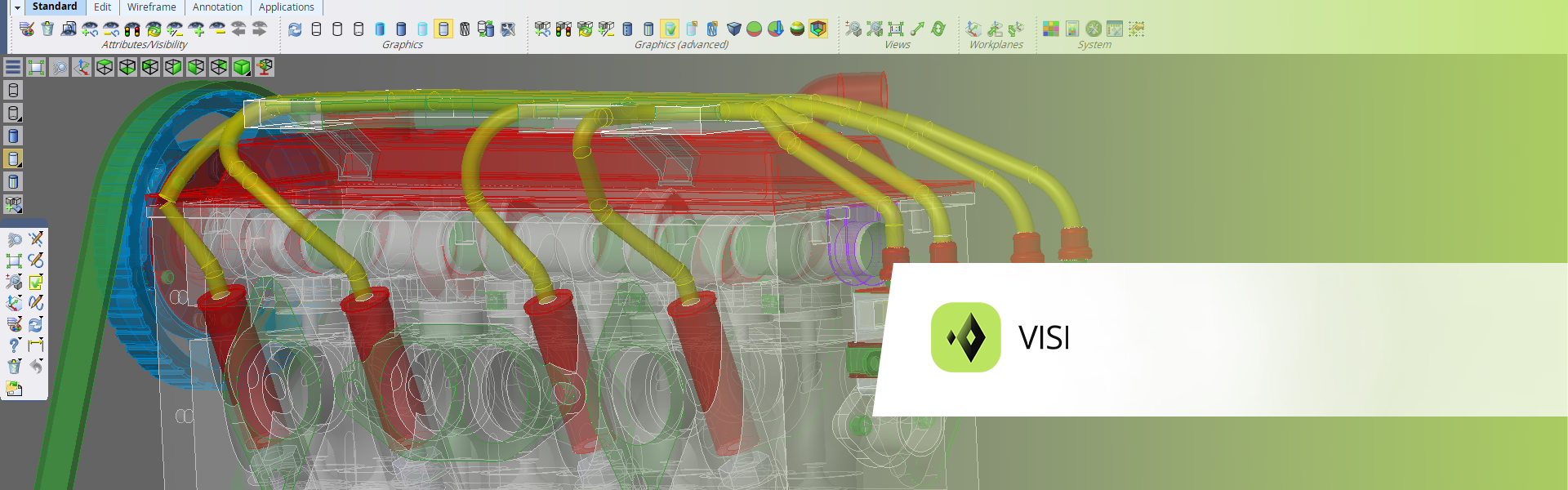

VISI and 3Dconnexion
Using a SpaceMouse with VISI delivers smooth, intuitive 3D navigation that lets users manipulate complex CAD models effortlessly, reducing fatigue and keeping focus on design intent rather than camera control. Combined with VISI’s powerful CAD/CAM toolset for mold and die design, this creates a faster, more precise, and more immersive engineering workflow.
Which features are available?
Supported platforms:
Windows

SpaceMouse
VISI Navigation
- Object Mode
- Target Camera Mode
- 2D Mode
- Auto Rotation Center
- Selected Item Rotation Center
- Horizon Lock
- Rotation Lock
- Sketch Lock

CadMouse