SpaceMouse
提高性能
凭借强大的 6DoF 传感器,SpaceMouse 彻底改变了模型检查,可以更好地理解设计并加快编辑速度。 实现双手工作流程,简化命令访问,减少错误并减少疲劳。
- 卓越的导航可实现快速、精确的模型交互
- 使用 QuickView 和 CustomView 按钮轻松操作视图
- 从建模到绘图等环境之间快速切换
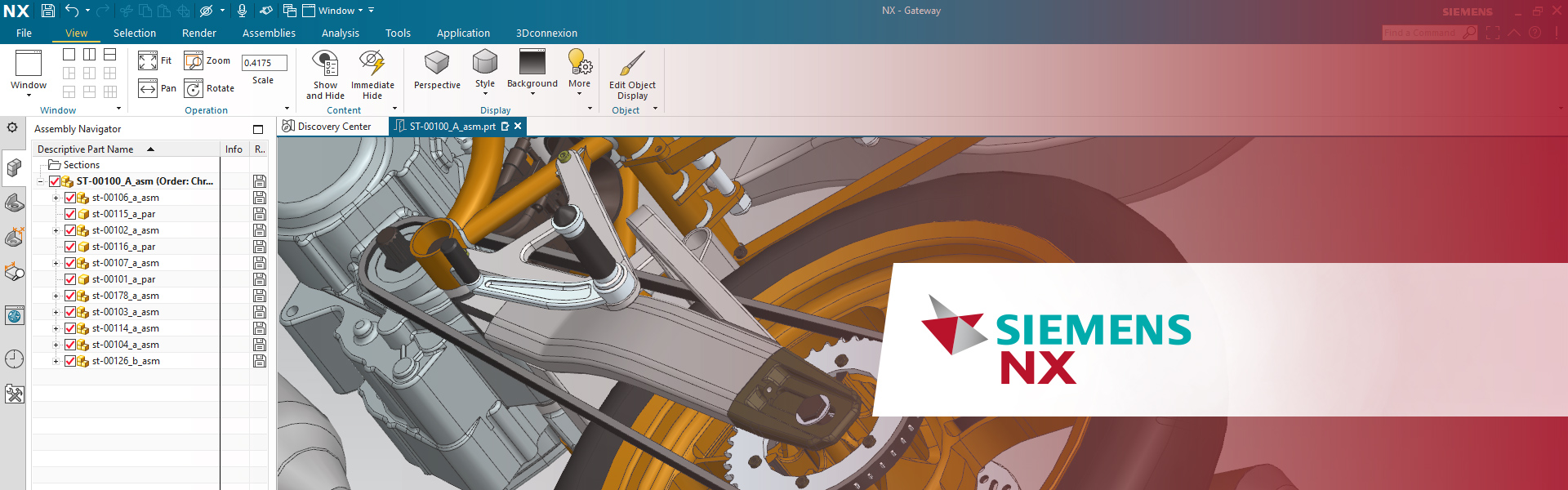

西门子NX软件是一个集成解决方案,旨在帮助用户更快、更高效地交付更好的产品。 NX 为各行各业提供设计、仿真和制造解决方案,从而使公司能够利用数字孪生实现价值最大化。
NX 支持产品开发的各个方面,从概念设计到工程和制造,为用户提供了一个集成的工具集,可以协调学科,同时保留数据完整性和设计意图。
凭借强大的 6DoF 传感器,SpaceMouse 彻底改变了模型检查,可以更好地理解设计并加快编辑速度。 实现双手工作流程,简化命令访问,减少错误并减少疲劳。
享受精确的移动,更少的错误点击和易于访问的按钮,可立即改变视图。 专用的鼠标中键可在长时间工作时提供更好的性能和舒适度。

Using NX from Siemens every day, I really appreciate the attention to detail in the 3Dconnexion CadMouse Pro Wireless. This is a professional tool, built with far more solid materials than your average computer mouse. Wireless or tethered, it not only feels great in my hand but gives me precise positional control. A highlight is the awesome middle mouse button that so many CAD systems still use these days… There is still a scroll wheel, to be clear, but I didn’t realize how much I would appreciate the separate middle button until using it!

I have been using 3D mice for over 20 years, dating back to the Spaceball era. SpaceMouse is an indispensable tool for NX operations, especially since NX relies heavily on shortcuts. By combining standard commands with easily customizable hardware keys that can be assigned like RPA-style automation, workflow efficiency is significantly enhanced. The SpaceMouse Compact, in particular, is highly portable and excels in on-the-go demonstrations. Additionally, when used together with the CadMouse—which is a rare find these days as a true three-button mouse—operations become even more efficient. Once you try it, you’ll find it to be an essential device.

If you're a CAD engineer, a SpaceMouse is a game changer. It’s way more intuitive than a regular mouse, making 3D modeling a breeze and speeding up your work. Plus, the ergonomic design means less wrist strain, even after long hours. It also helps you handle complex tasks with more precision. If you want to work faster and more comfortably, I highly recommend giving it a try!

The SpaceMouse Enterprise enhances my workflow processes while modelling in CAD. I can navigate and work with tools and functions simultaneously to great effect. Zoom and rotation actions soon become second nature and you really do feel like you are able to hold your model in front of you whilst creating and editing. Overall, I find the 3Dconnexion products an excellent addition to Siemens mechanical design software; NX and Solid Edge, which greatly enhance my productivity and speed up my working processes.

With the SpaceMouse Wireless and CadMouse Wireless, I can work efficiently on the go in Designcenter NX. Precise control, stable performance, and ergonomic design make them perfect tools for my presentations with customers and prospects. The dedicated middle button on the CadMouse is definitely my favorite feature when working with Designcenter NX!

