SpaceMouse settings – OneCNC
By default, OneCNC has SpaceMouse navigation disabled.
Steps to enable 3D Mouse control in OneCNC:
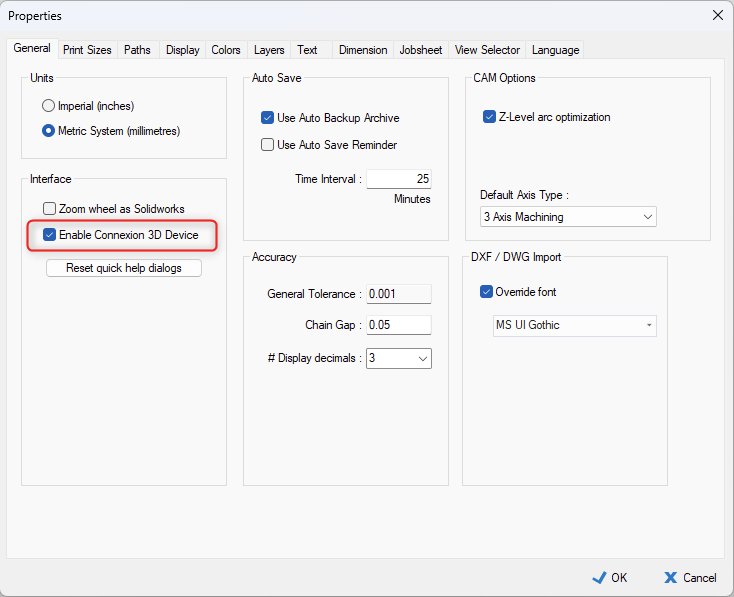
- Go to the settings for the SpaceMouse (File > OneCNC Properties > General > Interface)
- Enable the corresponding checkbox as shown below.