SpaceMouse
향상된 성능
강력한 6DoF 센서를 갖춘 SpaceMouse는 모델 검사에 혁신을 일으켜 더 나은 디자인 이해와 더 빠른 편집을 가능하게 합니다. 간소화된 명령어 액세스, 오류 감소 및 피로도 감소로 양손 워크플로우를 달성합니다.
- 빠르고 정확한 모델 상호작용을 위한 탁월한 내비게이션
- 퀵뷰 및 사용자 지정 뷰 버튼으로 보기를 쉽게 조작할 수 있습니다.
- 모델링에서 초안 작성 등 환경 간의 신속한 변화
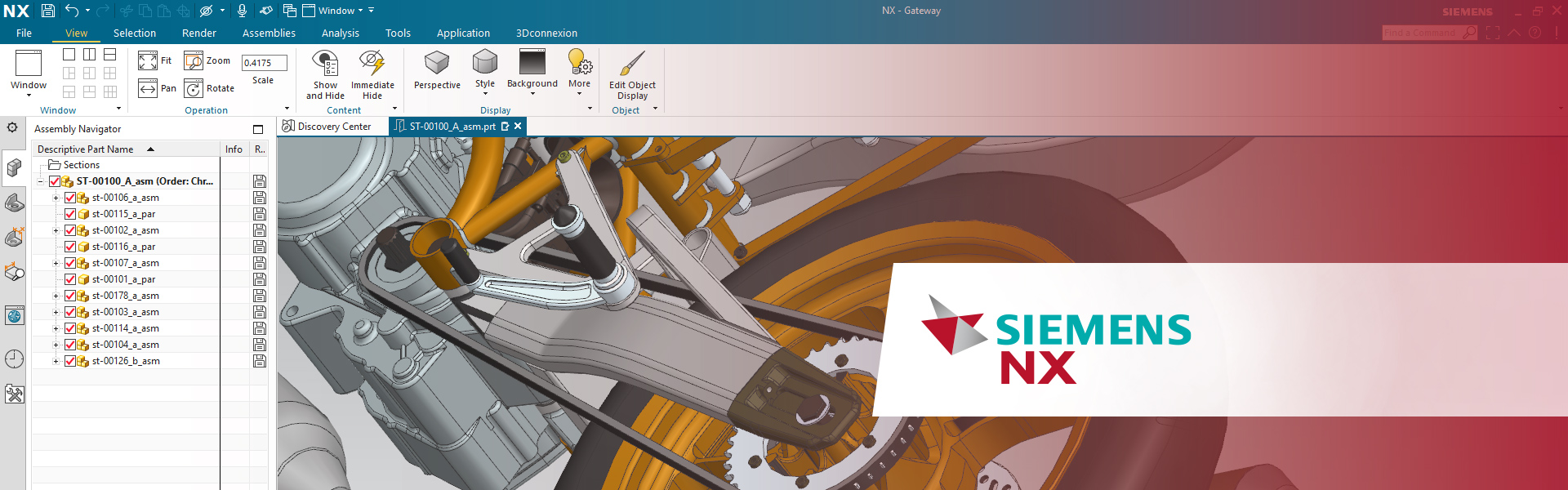
Siemens NX 소프트웨어는 통합 솔루션으로서 사용자가 제품을 더 빠르고 효율적으로 제공할 수 있도록 지원하는 것을 목표로 합니다. NX는 다양한 산업을 위한 설계, 시뮬레이션 및 제조 솔루션을 제공하여 기업이 디지털 트윈을 사용하여 가치를 극대화할 수 있도록 지원합니다.
NX는 개념 설계에서 엔지니어링 및 제조에 이르기까지 제품 개발의 모든 측면을 지원하여 사용자에게 데이터 무결성 및 설계 의도를 유지하면서 분야를 조정하는 통합 도구 세트를 제공합니다.
강력한 6DoF 센서를 갖춘 SpaceMouse는 모델 검사에 혁신을 일으켜 더 나은 디자인 이해와 더 빠른 편집을 가능하게 합니다. 간소화된 명령어 액세스, 오류 감소 및 피로도 감소로 양손 워크플로우를 달성합니다.
오류 클릭 수가 적고 빠르게 뷰를 변경할 수 있도록 접근이 편한 버튼을 사용함으써 정밀한 움직임을 즐길 수 있습니다. 전용 중간 버튼은 긴 작업 세션 동안 더 나은 성능과 편안함을 제공합니다.

3D 마우스는 디자인/설계 분야에 최적화된 마우스이며 작업 효율성을 높여줍니다. 특히 디테일한 면을 다듬는 작업을 할 때, 기존에 키보드와 일반 마우스로 일일이 회전하면서 작업했던 번거로움을 줄일 수 있어 너무 만족합니다. 처음 적응 기간만 지나면 모델링 작업에 있어서 필수품이 될 것입니다.

Space/CAD Mouse는3D CAD 유저에게 필수 도구입니다.” 3D 마우스에 익숙해 지는데 시간이 조금 필요하지만, 적응시 얻는 효과가 훨씬 컸습니다.
3D 마우스의 가장 큰 장점은 모델을 직관적으로 조작할 수 있다는 점입니다. 손으로 직접 객체를 움직이는 듯한 느낌을 주기 때문에 모델의 회전, 줌인/줌아웃, 팬 작업이 훨씬 자연스럽고 정확하게 이루어집니다. 기존 마우스로는 모델을 회전시키거나 위치를 변경하는 데 여러 단계를 거쳐야 하지만, 3D 마우스를 사용하면 한 번의 움직임으로 이러한 작업을 수행할 수 있었습니다. 특히 설계 작업 중 빈번하게 발생하는 카메라 이동이 손쉽게 해결되면서 작업의 흐름이 끊기지 않아 시간 절감 효과가 컸습니다.

3D CAD 마우스는 CAD 엔지니어라면 꼭 사용해보셔야 할 도구입니다. 기존 마우스보다 훨씬 직관적이라 3D 모델을 훨씬 더 쉽게 다룰 수 있고, 작업 속도도 눈에 띄게 빨라집니다. 특히 인체공학적으로 설계되어 오랜 시간 사용해도 손목이 편안해서, 손목 통증을 크게 줄여줍니다. 복잡한 디자인 작업도 훨씬 더 정교하게 처리할 수 있어 업무 효율이 확실히 향상됩니다. CAD 작업에서 생산성을 높이고 손목 부담을 줄이려는 분들께 강력히 추천합니다.

I have been using 3D mice for over 20 years, dating back to the Spaceball era. SpaceMouse is an indispensable tool for NX operations, especially since NX relies heavily on shortcuts. By combining standard commands with easily customizable hardware keys that can be assigned like RPA-style automation, workflow efficiency is significantly enhanced. The SpaceMouse Compact, in particular, is highly portable and excels in on-the-go demonstrations. Additionally, when used together with the CadMouse—which is a rare find these days as a true three-button mouse—operations become even more efficient. Once you try it, you’ll find it to be an essential device.

Using NX from Siemens every day, I really appreciate the attention to detail in the 3Dconnexion CadMouse Pro Wireless. This is a professional tool, built with far more solid materials than your average computer mouse. Wireless or tethered, it not only feels great in my hand but gives me precise positional control. A highlight is the awesome middle mouse button that so many CAD systems still use these days… There is still a scroll wheel, to be clear, but I didn’t realize how much I would appreciate the separate middle button until using it!

The SpaceMouse Enterprise enhances my workflow processes while modelling in CAD. I can navigate and work with tools and functions simultaneously to great effect. Zoom and rotation actions soon become second nature and you really do feel like you are able to hold your model in front of you whilst creating and editing. Overall, I find the 3Dconnexion products an excellent addition to Siemens mechanical design software; NX and Solid Edge, which greatly enhance my productivity and speed up my working processes.

With the SpaceMouse Wireless and CadMouse Wireless, I can work efficiently on the go in Designcenter NX. Precise control, stable performance, and ergonomic design make them perfect tools for my presentations with customers and prospects. The dedicated middle button on the CadMouse is definitely my favorite feature when working with Designcenter NX!

