How to find Driver Version?
To find your driver version please follow instruction below:
Windows:
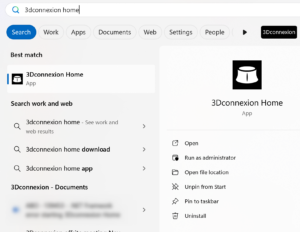
- Go to Windows Search and type 3Dconnexion Home
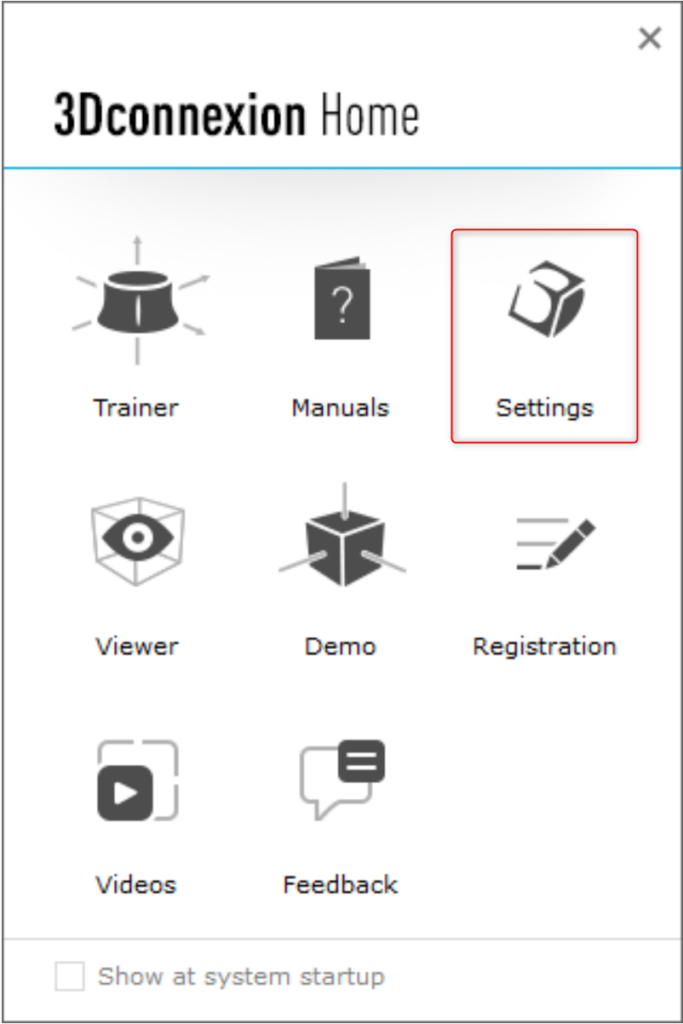
- Select Settings
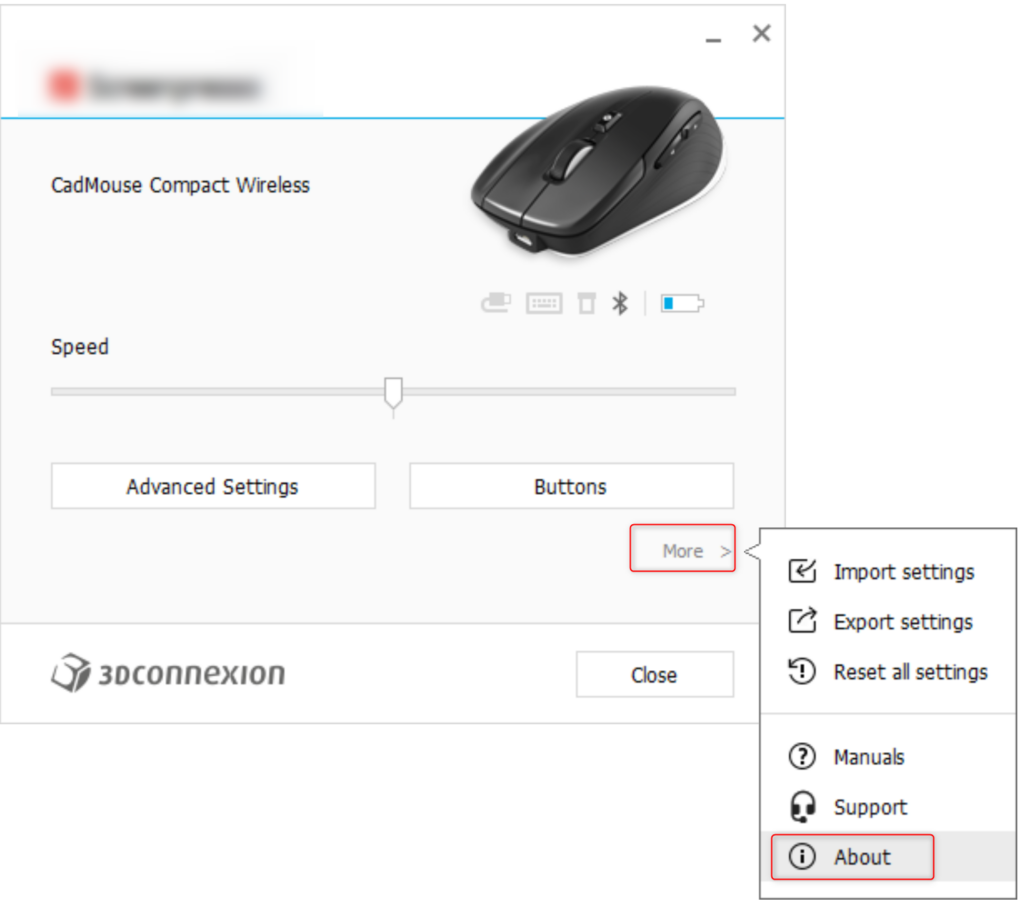
- Go to More and About
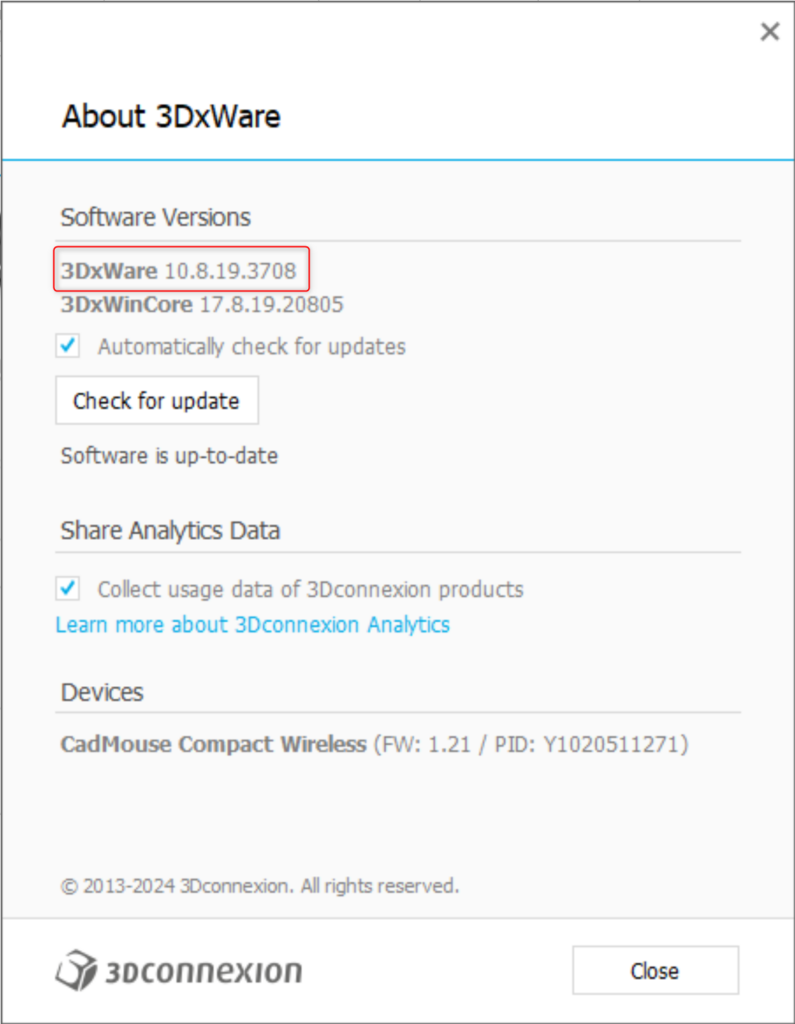
- On the top you will see 3DxWare driver version
MAC:
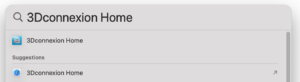
- Go to Spotlight Search and type 3Dconnexion Home
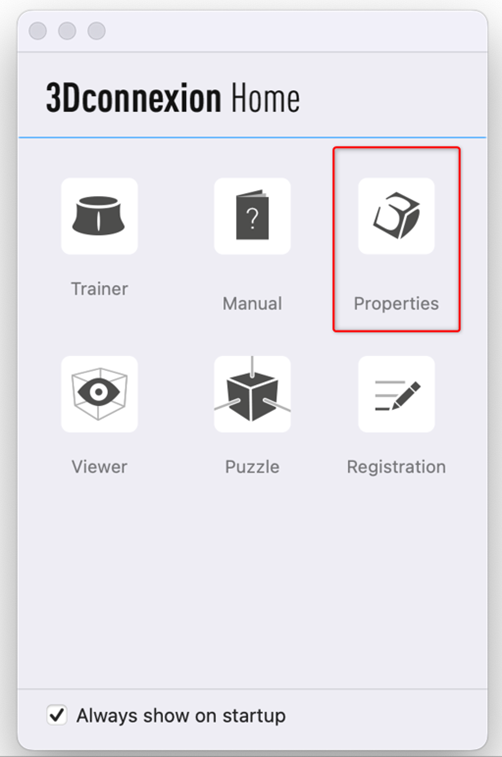
- Select Properties
- Go to Tools
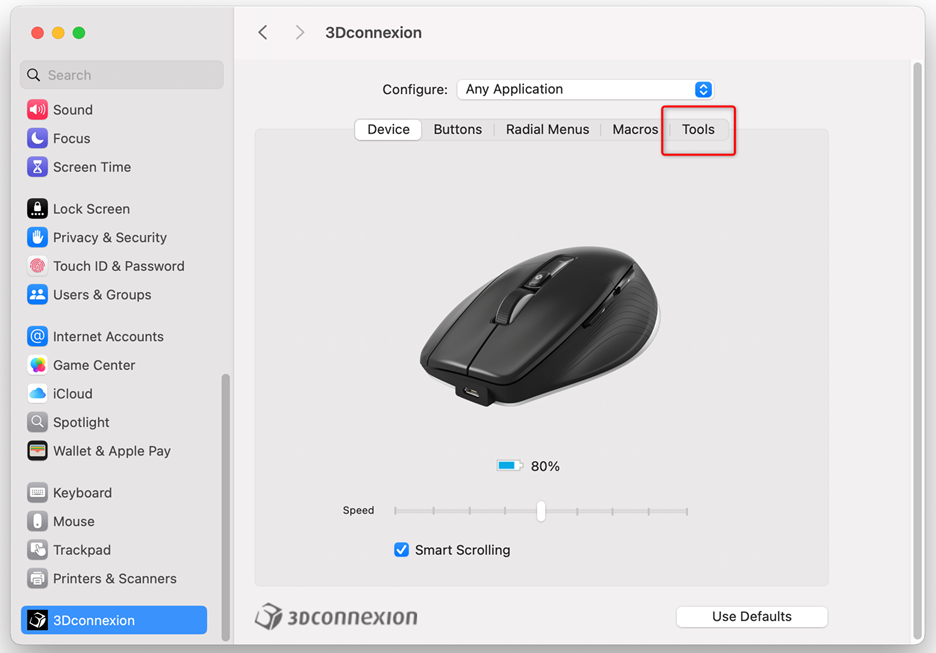
- On the top you will see the 3DxWare driver version
